
GPT Image 2
Create production-ready images from a simple prompt with Image 2 Studio — powered by GPT Image 2.
Image 2 Studio generator
No Images Generated
What is Image 2 Studio
Image 2 Studio is an AI image workspace powered by OpenAI's GPT Image 2 — turn any prompt into production-ready visuals in seconds, with reference editing and a saved personal gallery.
Prompt-to-Image Templates
Start from curated prompt templates for portraits, products, posters, and social visuals — skip the blank canvas and generate polished images in one click.
Powered by GPT Image 2
Built on the latest GPT Image 2 model for sharp details, accurate typography, and reliable composition straight out of the generator.
Seconds to Render
Go from prompt to finished visual in seconds — iterate on ideas as fast as you can type and compare variations on the fly.
Text & Image Editing
Switch freely between text-to-image generation and image-to-image editing to refine, remix, or restyle any reference you upload.
Why create with Image 2 Studio
A focused AI image generator for turning prompts into polished visuals fast.
How to create with Image 2 Studio
Go from a blank prompt to a production-ready visual in four simple steps.
Describe what you want
Write a clear prompt or upload a reference image. Choose text-to-image to start from scratch, or image-to-image to edit a reference.
Pick mode and aspect ratio
Switch between text-to-image and image-to-image, then select 1:1, 16:9, 9:16, 3:2, or 2:3 to match where the visual will be used.
Generate and iterate
GPT Image 2 renders high-fidelity images in seconds. Compare variations, refine prompts, or regenerate on the spot.
Download and revisit
Download the result with one click and find it again anytime in your personal My Creation gallery — with prompt, preview, and metadata saved.
Everything you need to create with GPT Image 2
A focused AI image workspace built on OpenAI's GPT Image 2 — dual generation modes, reference editing, flexible aspect ratios, and your personal creation history.
Text-to-image & image-to-image in one workspace
Generate from scratch or edit an uploaded reference — both modes live in the same generator, with seamless switching.
Reference-guided editing
Upload up to 16 reference images to steer composition, style, and subject — ideal for branded, consistent output.
Flexible aspect ratios
Generate 1:1, 16:9, 9:16, 3:2, or 2:3 outputs — ready to drop into any landing page, social feed, or print layout.
Prompt-friendly workflow
Tolerates long, layered prompts up to 2,000 characters — start from curated templates or write freely with clean in-image typography.
Personal creation gallery
Every generation is saved to your personal My Creation view with prompt, preview, and one-click download.
Localized for global creators
Native UI in 10 languages — English, 中文, Deutsch, Русский, Français, Italiano, Nederlands, Türkçe, Português, Español.
Core features of GPT Image 2
Why teams ship faster and render better visuals with Image 2 Studio — powered by GPT Image 2 API.
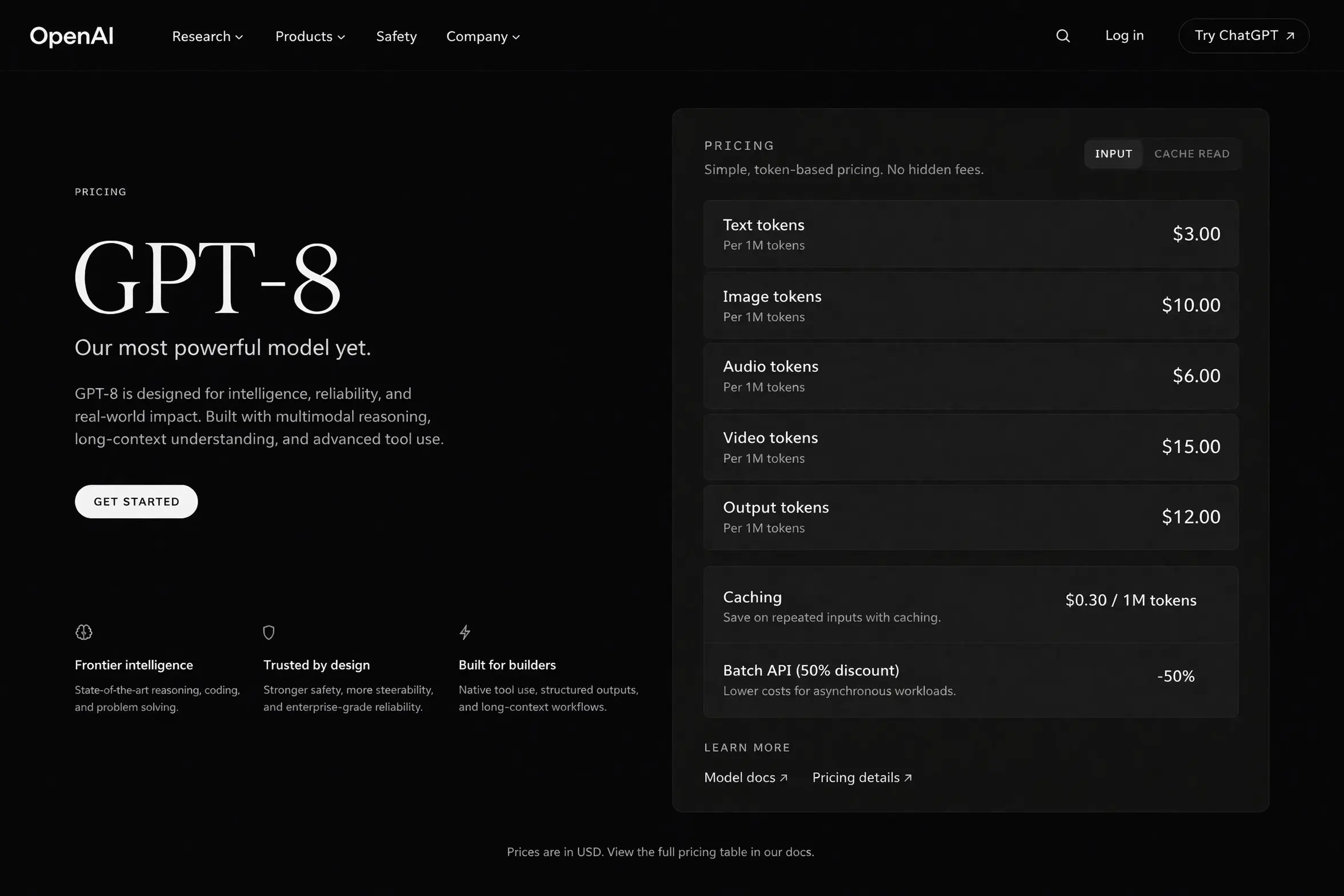
Near-perfect text rendering
Generate crisp, readable typography inside images — long phrases, multi-word labels, proper casing, and clean punctuation — ideal for posters, packaging, UI mocks, and branded marketing assets.
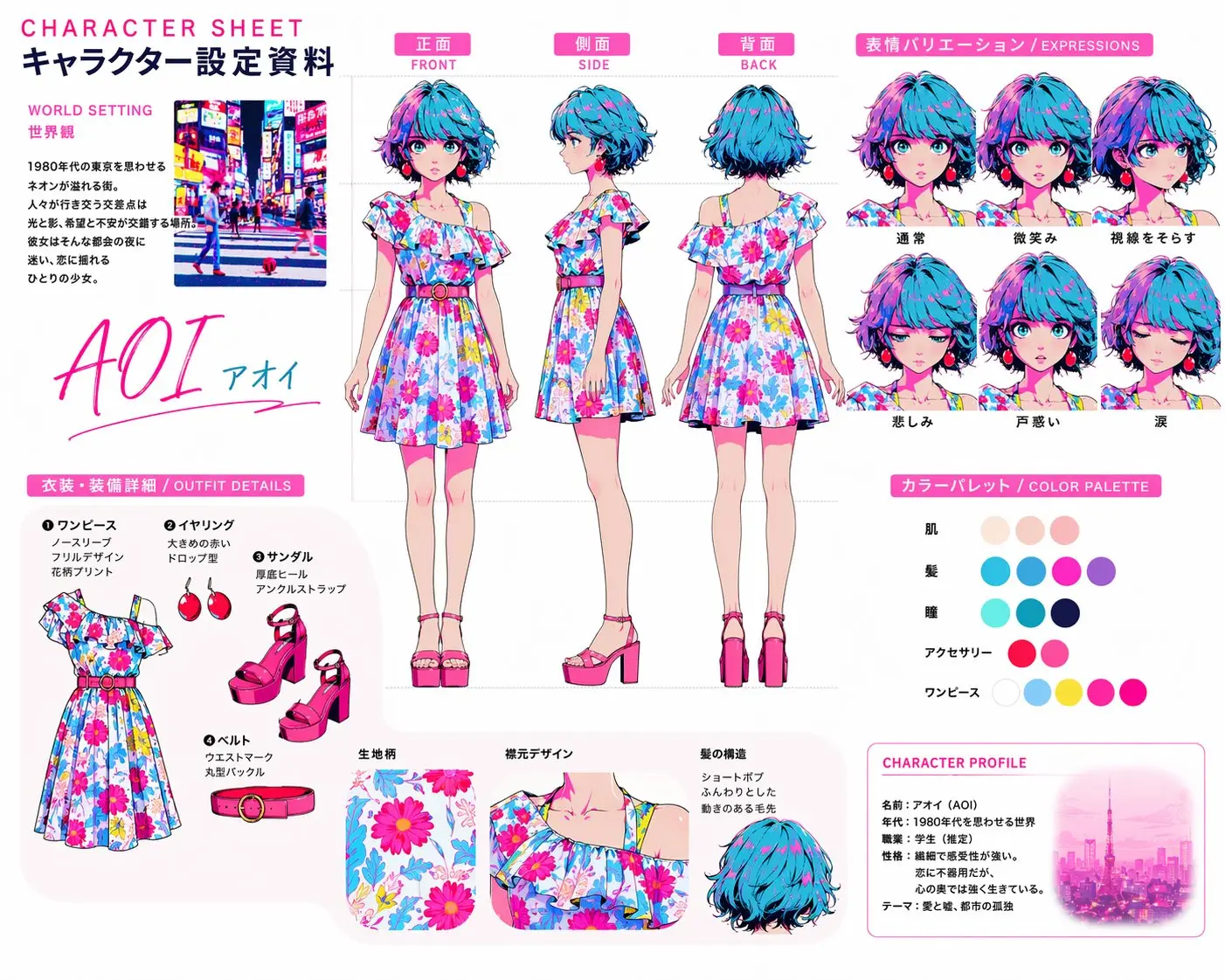
Pixel-level editing that preserves consistency
Recolor products, swap objects, update backgrounds, or refine local details while keeping the original lighting, shadows, texture, and surrounding style intact — cleaner than full-image regeneration.
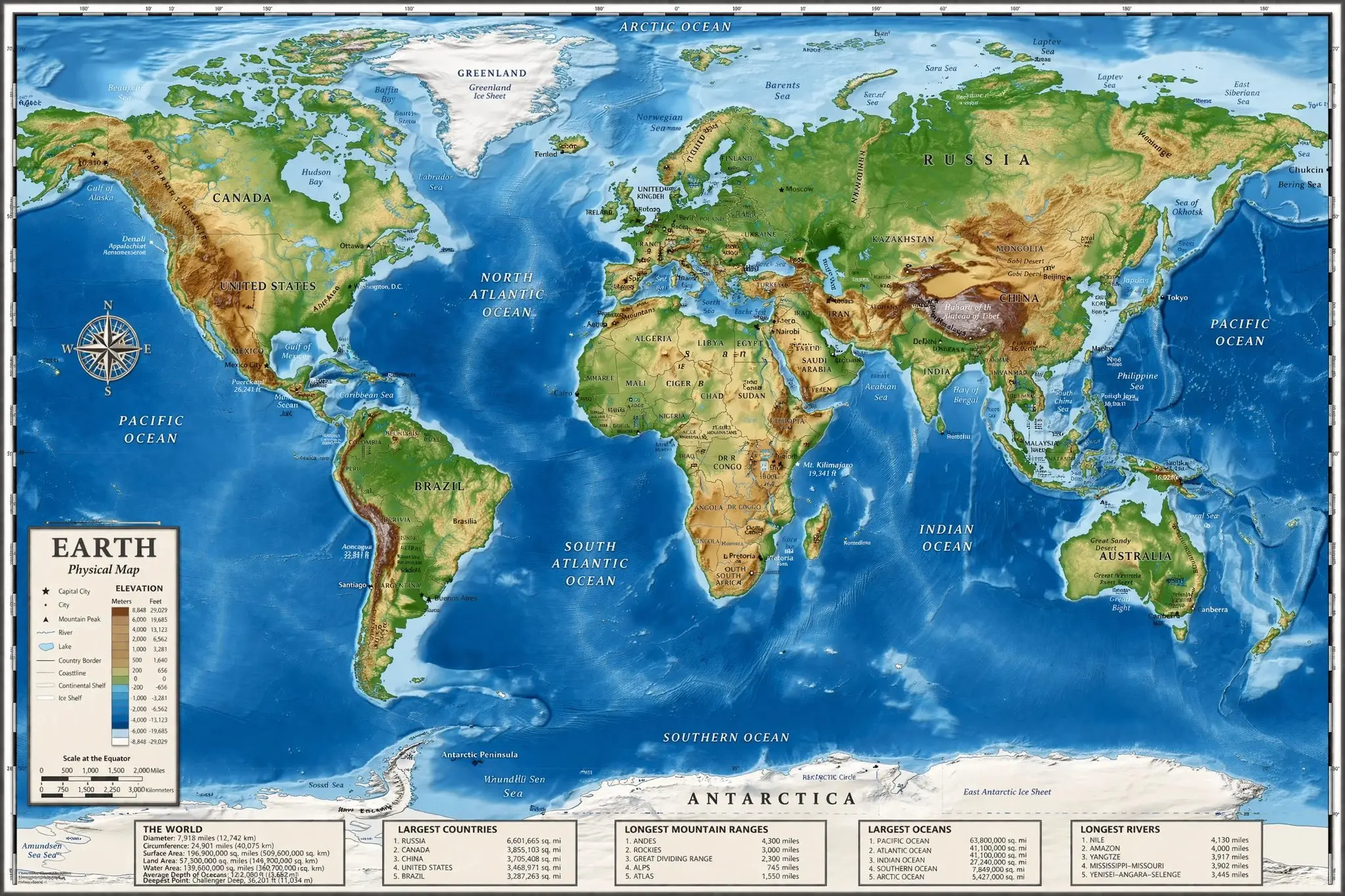
World-knowledge realism
Credible output for maps, anatomy diagrams, historical scenes, architecture, and educational visuals — the model interprets complex relationships so structure and facts stay grounded.
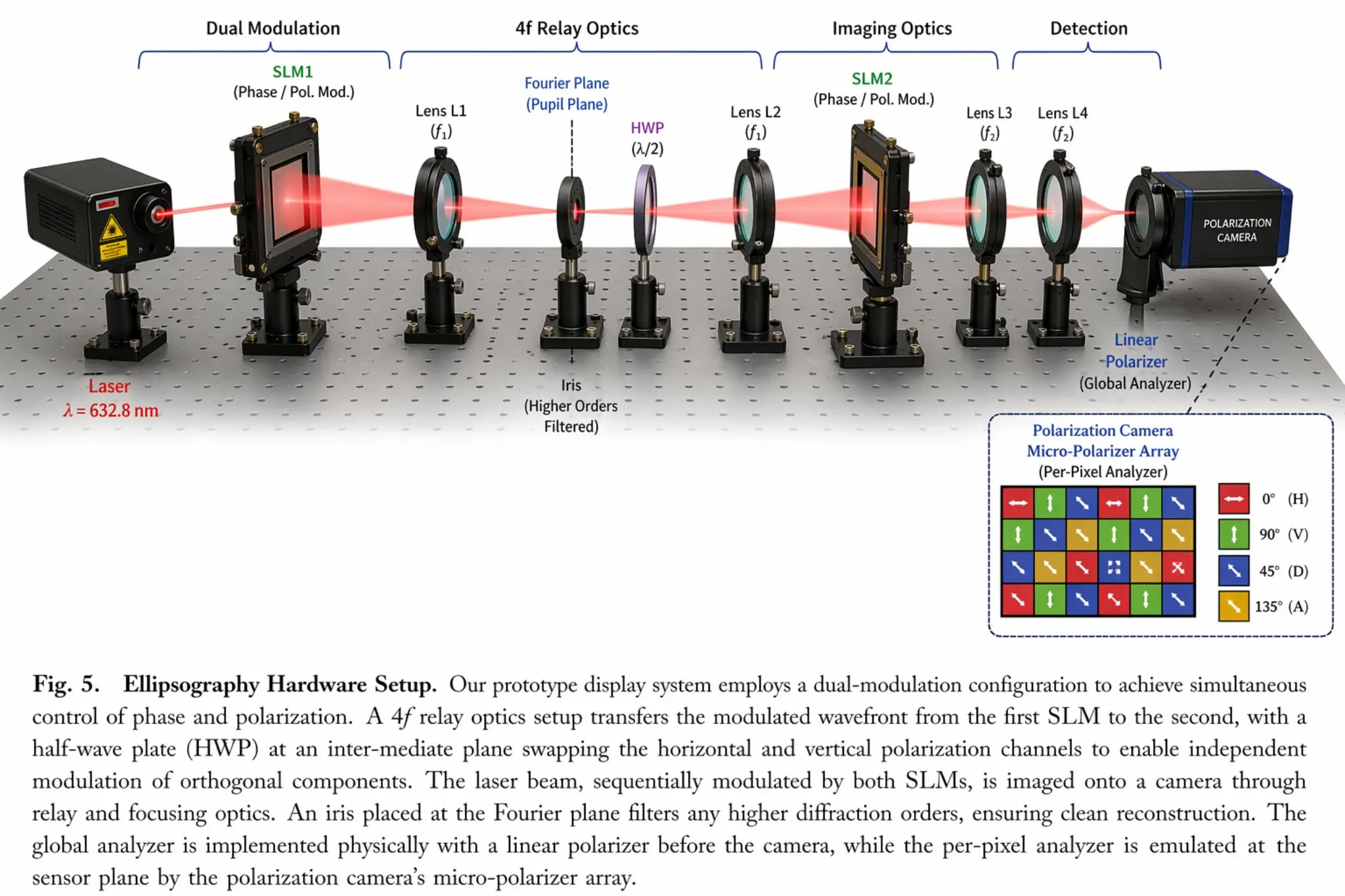
Fast generation with tight prompt fidelity
High-quality results in around 3 seconds, with stronger instruction following for multi-subject prompts, layered scene details, and refined layout control — practical at creative scale.
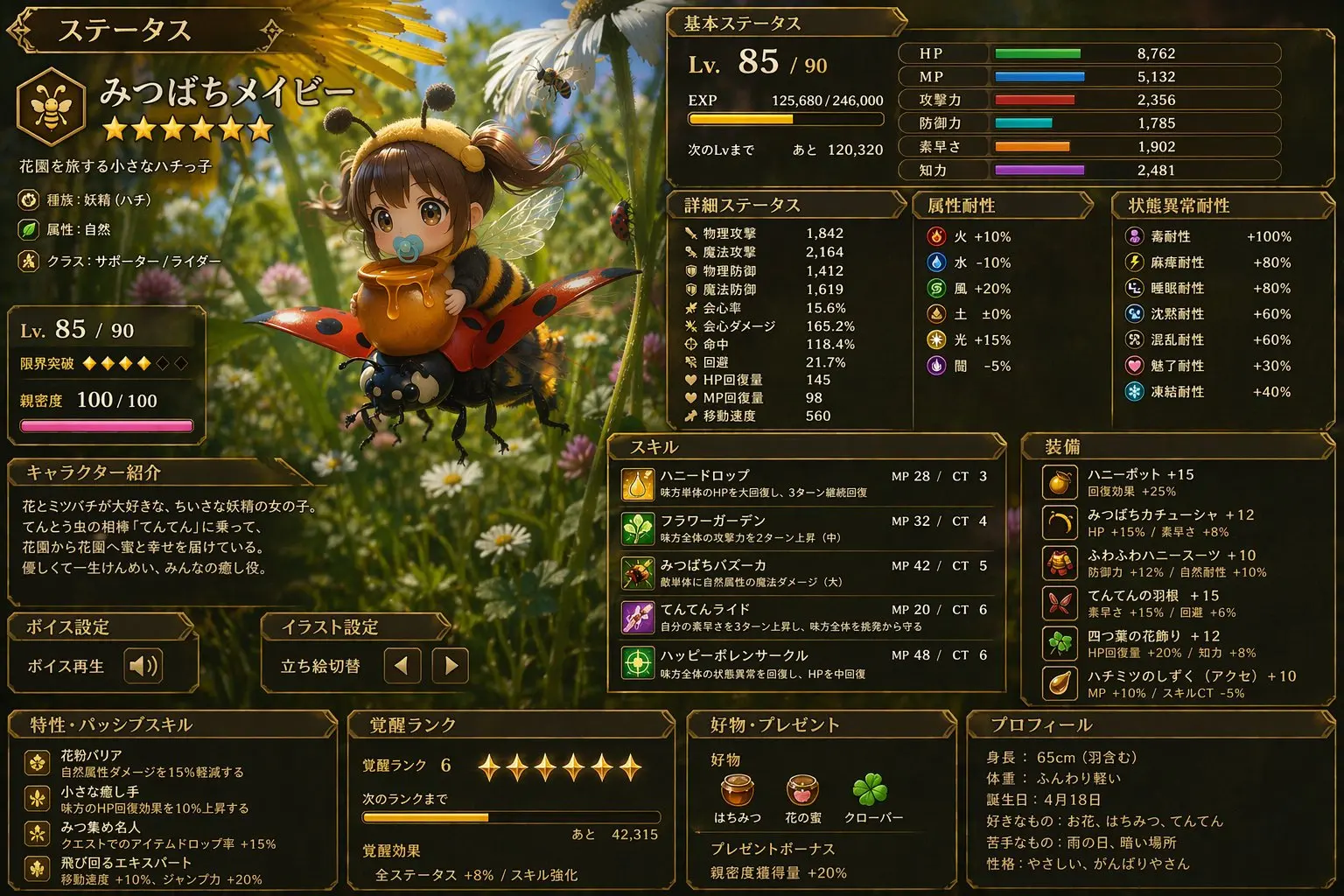
Multilingual in-image text
Produce readable, well-composed text across many languages — ideal for localized ads, international packaging, UI mocks, and campaign visuals where the text is part of the final design.
People Love Image 2 Studio
A focused AI image workspace — multilingual, multi-ratio, and production-ready.
999+ Creators
Creators
10 Languages
Languages
5 Aspect ratios
Aspect ratios
What creators say about Image 2 Studio
Hear from designers, marketers, and makers who use Image 2 Studio to ship better visuals faster.
I push dozens of concept boards through Image 2 Studio every week. The typography actually reads, composition stays clean, and my clients stop asking me to 'just redo it.'
David Chen, Brand Designer
David Chen
Brand Designer
Image-to-image editing is the killer feature for us. I keep brand color and lighting consistent across variants without re-shooting or re-designing from scratch.
Rachel Kim, Product Marketing Lead
Rachel Kim
Product Marketing Lead
GPT Image 2 handles long, layered prompts without losing the subject. I get usable frames in seconds, then iterate — far faster than my old tool stack.
Marcus Thompson, Freelance Illustrator
Marcus Thompson
Freelance Illustrator
We localize campaigns into five languages, and Image 2 Studio actually renders in-image text correctly. No more outsourcing typography passes to a designer.
Sofia Garcia, Creative Director
Sofia Garcia
Creative Director
1:1 for product, 9:16 for reels, 16:9 for landing hero — one generator, every ratio I need, no upscale step. My listings look sharper than before.
James Wilson, E-commerce Owner
James Wilson
E-commerce Owner
My Creation saves every generation with the prompt. When a carousel takes off, I reopen the gallery and render the next 12 posts in the same style.
Anna Zhang, Content Creator
Anna Zhang
Content Creator
Frequently Asked Questions About Image 2 Studio
Have another question? Contact us on Discord or by email.
Create your next AI image with Image 2 Studio
Start from a prompt and turn ideas into production-ready visuals.